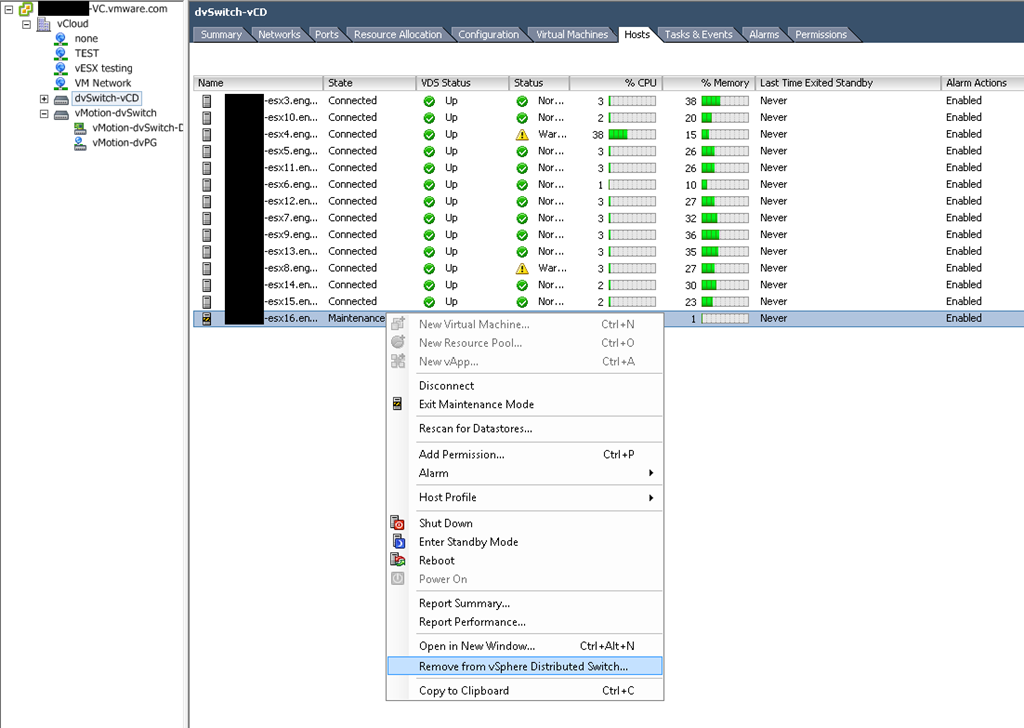
Lab Manager ESX 4.1 Host can’t join back into Lab Manager, reporting error “Host is entering maintenance mode”
Recently upon pushing patches to our ESX 4.1 and ESXi 4.1 hosts, I was unable to re-enable 2 of our 23 blades. We had one of each flavor, ESX and ESXi. After much frustration I found our KB 1026364, which says:
===================================================
To resolve this issue, restart the Lab Manager VSLA backend service.
To restart the VSLA backend service on Lab Manager:
- Log in to the Lab Manager server.
- Go to Start > Run and type service.msc.
- Right click the VMware vCenter Lab Manager Monitor service.
- Click Restart.
When you restart the Lab Manager VSLA service , the DVS becomes unavailable. When the service starts again, Lab Manager gets the latest status from the vCenter Server.
After the Lab Manager VSLA service starts again, you can start repairing the ESX hosts or try re-enable host-spanning within Lab Manager.
===================================================
After restarting this service, I was able to repair our Hosts without issue.